Loading...
AI Calorie Counter FAQ
Answers to common questions about AI food scanning, calorie estimates, and macro tracking.
How accurate is AI Calorie Counter?
AI Calorie Counter is designed for practical, directional calorie tracking. Accuracy can vary by photo quality, portion visibility, and hidden ingredients, so results are best used for trend tracking rather than exact lab-level measurement.
Can AI really estimate calories from food photos?
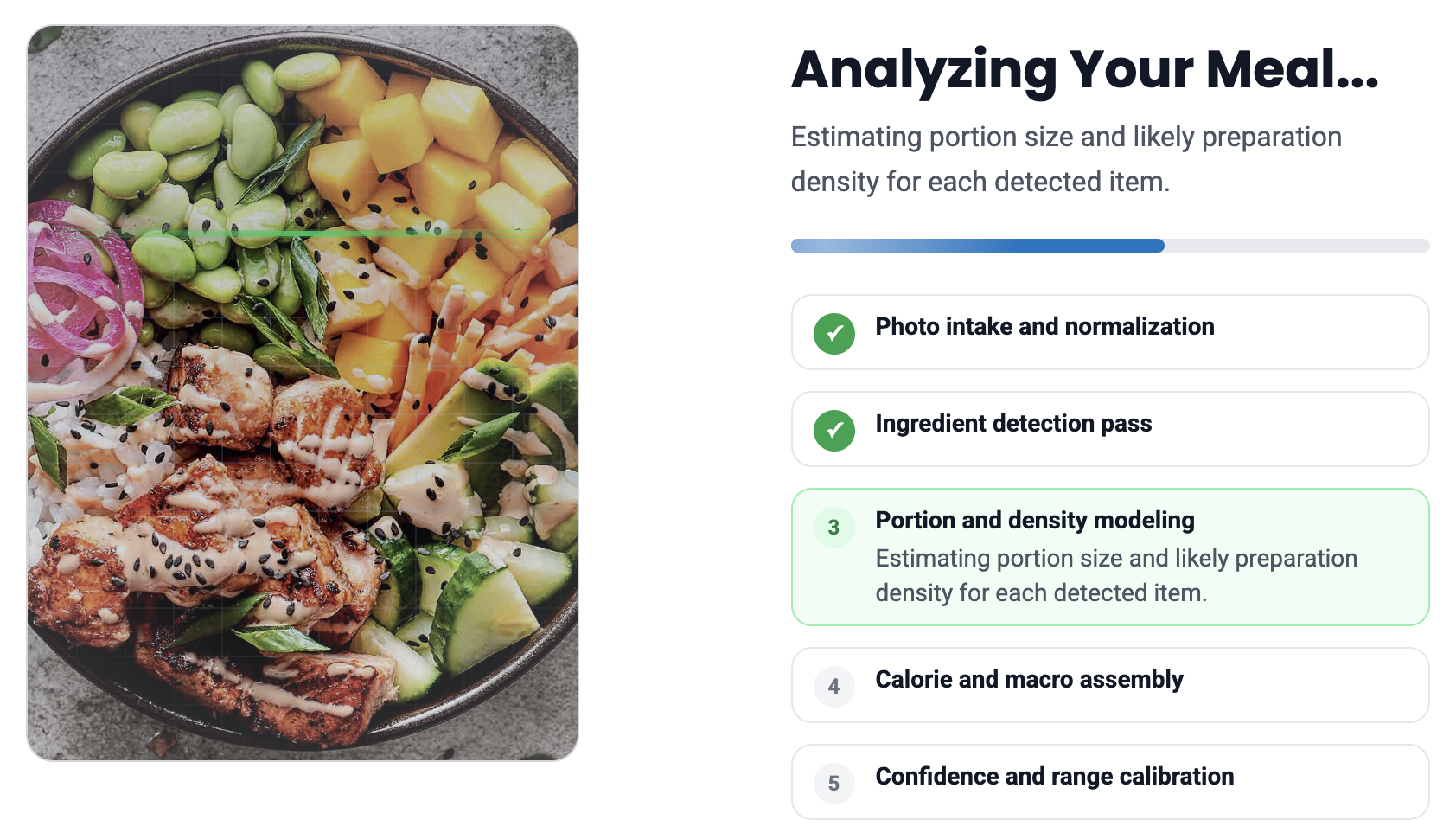
Yes. The model estimates likely foods, portion size, and preparation density from the image, then returns a calorie estimate and range.
Can I analyze multiple food items in one image?
Yes. Multi-item meals are supported. The result includes a total estimate and item-level breakdown where detection confidence is sufficient.
What nutritional information does the tool provide?
You get estimated total calories, a calorie range, confidence level, and macro split (protein, carbs, and fat) when available.
Is AI Calorie Counter free to use?
Yes. The core experience is free, so you can upload food photos and get estimates without a paid subscription.
How does AI Calorie Counter identify food from images?
It uses computer vision to detect food patterns and contextual cues in your photo, then estimates likely items and portions before calculating calories.
Can I scan my meal for calories online?
Yes. Upload directly from your phone or desktop and receive results in your browser.
How accurate are AI food scanners compared to manual calorie tracking?
Manual tracking with weighed portions can be more precise, but AI scanners are usually faster and easier to maintain consistently. For many users, consistency beats perfection.
Does AI Calorie Counter save my scans or track my meals automatically?
The tool processes uploads to generate results. We do not sell your photos, and we aim to minimize retention. Review our privacy and terms pages for full details.
What foods can the AI recognize?
It works best with common meals, snacks, drinks, and mixed plates. Recognition can be less reliable when ingredients are hidden, heavily covered, or visually ambiguous.
Can AI Calorie Counter estimate macros automatically?
Yes. The result includes estimated protein, carbs, and fat split, plus gram values when enough confidence is available.
Can AI estimate portion size and serving weight from pictures?
It can estimate portion size directionally from visual cues, but serving weight is still an inference. For high-precision nutrition planning, combine AI estimates with weighing.
Can the tool analyze restaurant meals or recipes?
Yes. Restaurant and mixed meals are supported, but hidden oils, sauces, and preparation details can increase uncertainty. Use the returned range for practical decision-making.
Are AI food scanners safe to use?
For general meal tracking, yes. They are informational tools, not medical devices. If you have clinical dietary needs, follow a registered dietitian or physician’s plan first.
What makes AI Calorie Counter different from other food scanner apps?
It focuses on a fast web-based workflow, clear calorie ranges, confidence signaling, and practical output for daily tracking without app store friction.
What is the best free AI food scanner in 2026?
The best tool is the one you will actually use consistently. AI Calorie Counter is built to be free, fast, and simple so daily calorie tracking is easier to maintain.
How can I contact support?
Questions or feedback can be sent by email and we will help as quickly as possible.
Latest From Our Blog
Tips, guides, and insights for healthier eating.